
Scan the shelf. Scan the products. Loclume does the rest.
Fast stock counts and shelf moves for any product with a barcode, using a scanner terminal or your phone. Compared with Stockitup straight away. No laptop to carry, no desk to go back to.

From shelf to certainty in five steps
No forms, no typing quantities. Scanning is counting, and Loclume puts the system comparison right next to reality.
Scan the shelf
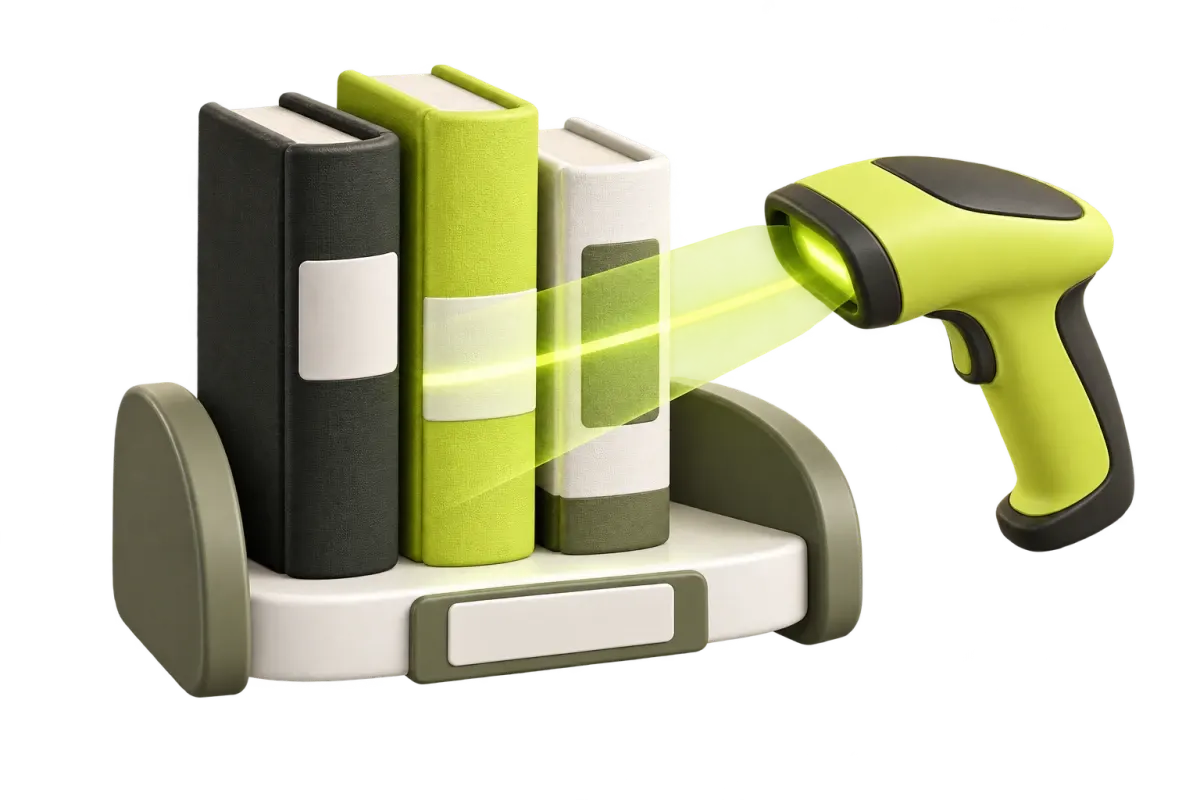
Scan the shelf barcode, for example B-04-12. That shelf becomes your active location.
Scan the products
Scan everything on the shelf in one go. The same EAN three times? Loclume automatically counts 3 units.
Automatic comparison
The physical count is placed next to the Stockitup stock instantly: correct, missing or unexpected.
Differences explained
Loclume investigates the cause: is the third copy registered on shelf C-22? Then you will see that.
You decide, Loclume executes
Corrections are only applied after your approval and neatly recorded in the audit trail.
Stockitup stays in charge. Loclume does the floor work.
Loclume is not a new ERP and not a replacement. It is the missing operational layer on the floor: it makes counting, checking and correcting so fast that your stock in Stockitup finally always matches.
- Secure connection in minutesEnter your own API credentials, verify, done. Secrets stay server-side and unreadable from the app.
- Comparison per shelfSystem says 3, you count 2? Loclume first checks whether that third copy is registered somewhere else.
- Corrections with one approvalUpdate stock or correct a location: only after your confirmation, and safe to retry if the connection hiccups.
Everything for a count that adds up
Built for the floor: the scan path is always the fastest, every exception stays visible and nothing changes without confirmation.
Serial scanning
Scan products back to back; quantities are grouped automatically. Wrong scan? One tap on "undo last scan".
Bulk shelf moves
Scan the target shelf, scan the products, one approval: all locations are updated. Move the scanned quantity or all stock, split across several shelves if needed.
Product lookup
Search by EAN, Stockitup product code or SKU and instantly see on which locations and in which quantities the product is registered.
Continue on any device
An unfinished count is never lost: continue on the same or another device. A count lock keeps two devices from getting in each other's way.
Roles and permissions
Operators count, supervisors review differences, admins and owners manage the team and the Stockitup connection. Invite colleagues by email.
Audit trail for every change
Every change is recorded with old value, new value, user, date and the related count session.
Shelf check
Does Stockitup list other products on this shelf that you did not scan? Loclume shows them, even for a partially counted shelf.
Fast mode
No waiting for Stockitup while scanning: keep scanning, and one safety check runs for the whole count at the summary.
Multiple stores
Several stores or warehouses in one organisation, with permissions per location. Switch workspace with one tap.
Not just the difference — the cause too
Loclume does not simply show "1 missing". It first investigates other locations and only then proposes a safe correction.
Loclume finds the third copy registered on shelf B-03 and suggests: check B-03 before writing off stock.
Two copies found that do not belong here. Loclume checks where they are registered and offers a choice.
Not found anywhere else? Only then does Loclume propose correcting stock from 3 to 2, with your approval.
Count where the stock is — not where the computer is
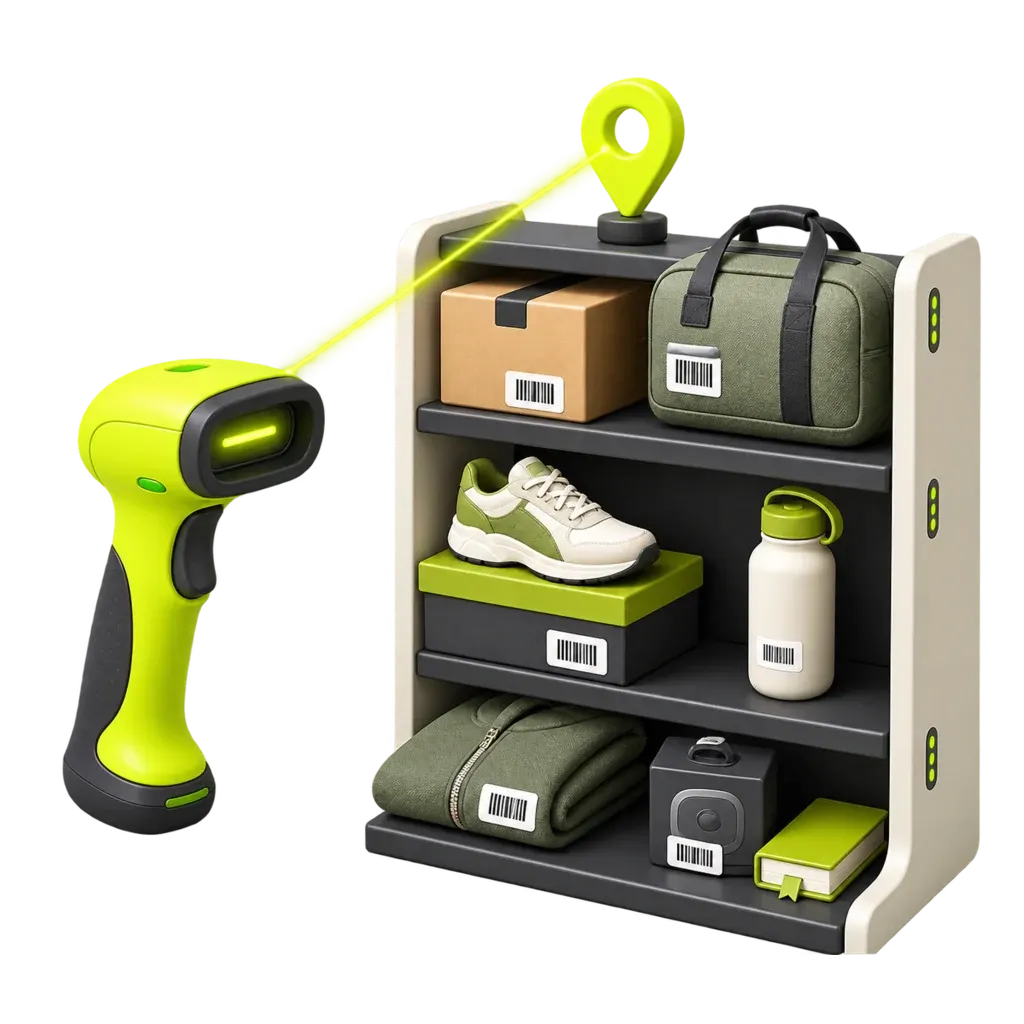
One Loclume app for Android and iOS: install it on your phone or on an Android scanner terminal with a built-in reader. Walk, scan, done. Comparison and corrections happen on the move, not afterwards at a desk.
Loclume Android app on a scanner terminal
The Loclume Android app (coming soon to the Play Store), installed on an Android scanner terminal with a built-in reader: the fastest option for big counts and daily shelf moves.
Phone camera
No extra hardware needed: the iPhone or Android camera reads EAN and shelf barcodes directly.
Existing HID / Bluetooth / USB scanner
Your current scanner sends barcodes as keyboard input. Pair and serial-scan, without new investment.
One price per company, no surprises
Pick the plan that fits your locations. Free for 14 days, no credit card needed, cancel monthly.
Starter
For one shop or warehouse
or €490 per year (2 months free)
- 1 shop or warehouse
- Up to 3 users
- Unlimited counts and shelf moves
Pro
For growing teams with several locations
or €990 per year (2 months free)
- Up to 3 shops or warehouses
- Up to 10 users
- Permissions per location and workspace switching
Business
For large warehouses and chains
or €1,990 per year (2 months free)
- Unlimited shops and warehouses
- Unlimited users
- Priority support
Every plan includes: Stockitup connection with status check · web, Android and iOS · roles and audit trail · personal support by email
Prices per company, excl. VAT. Cancel monthly.
Launch offer: the first 20 companies get 50% off in their first year.
App coming soon — request a demo and get notified at launch.
Frequently asked questions
Does Loclume replace Stockitup?
Which scanners can I use?
What if the warehouse wifi drops?
What does Loclume cost?
How safe is my Stockitup connection?
Who is Loclume for?
Want to see how fast your count can be?
Request a demo or ask your question. We usually respond within one business day.
Everything in its place. From the first scan.
Connect Stockitup, grab a scanner and see shelf by shelf where your stock really is.